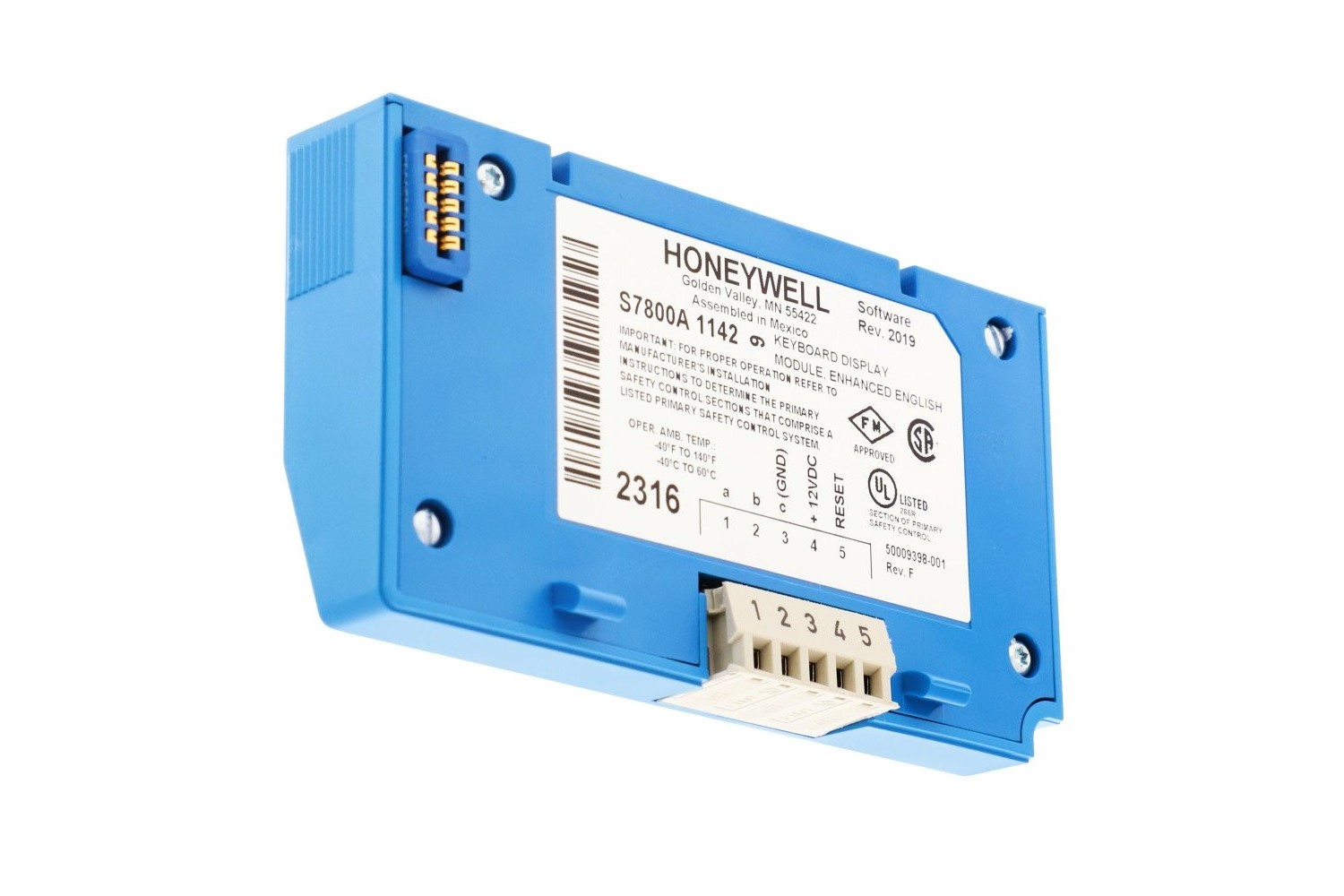
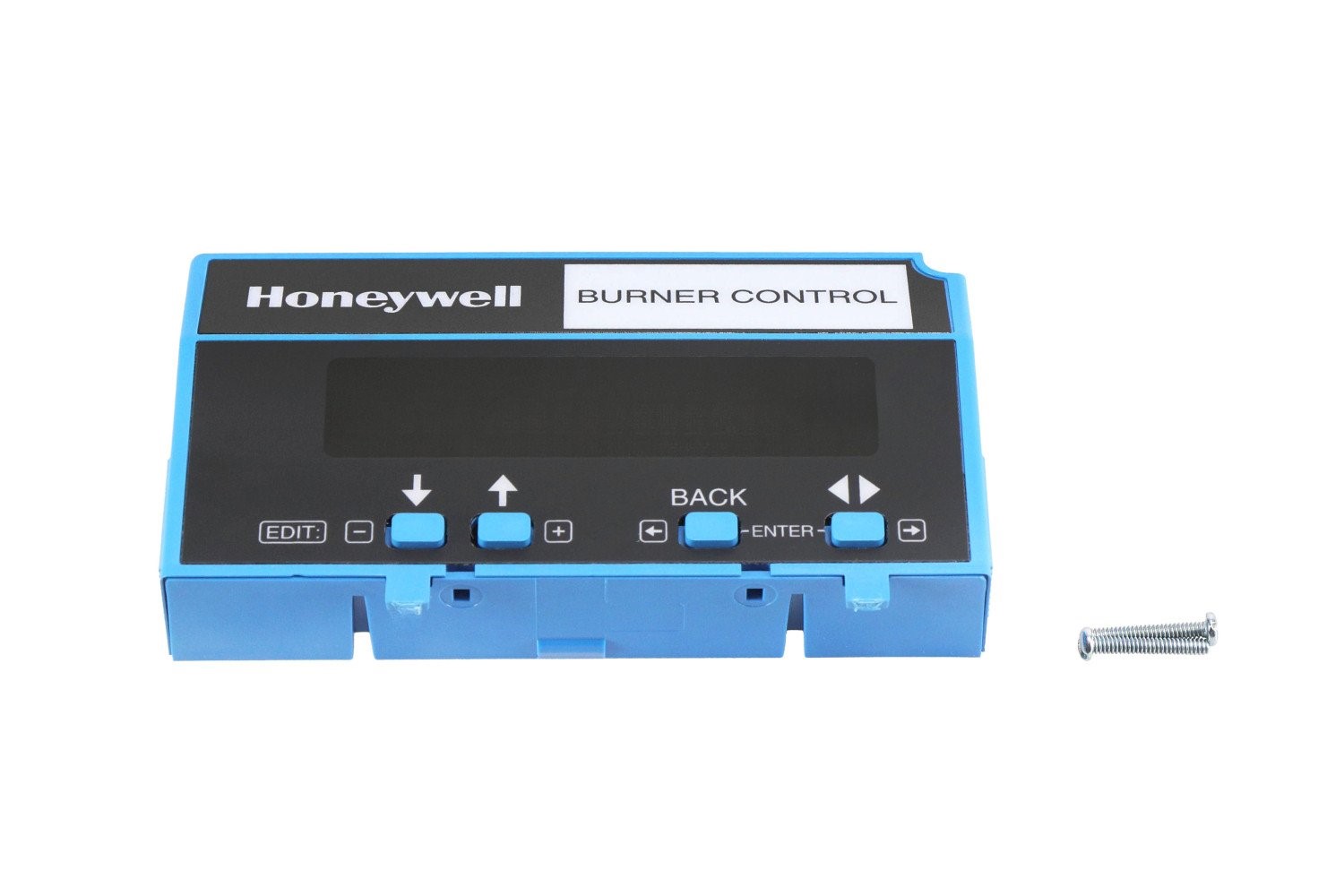
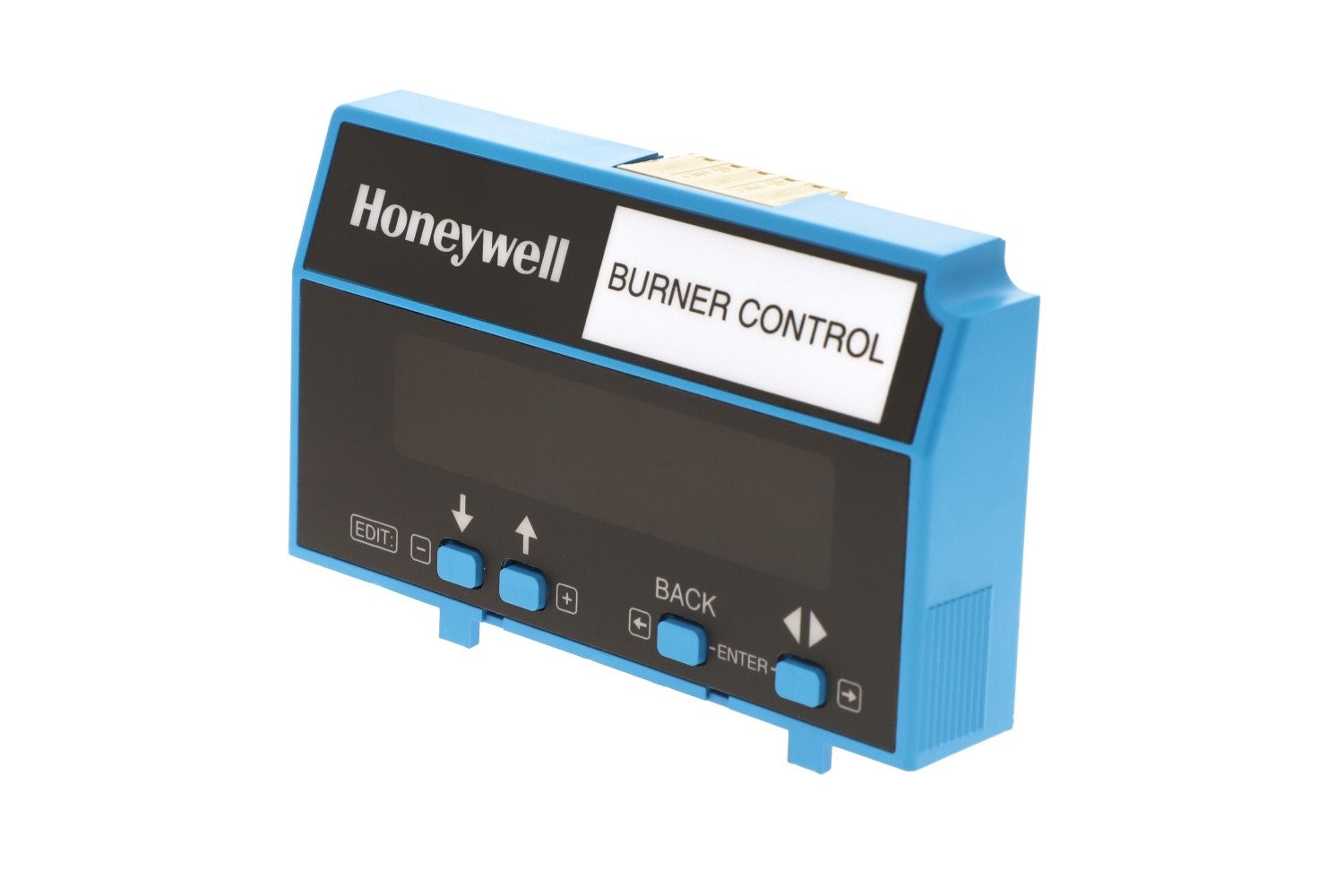
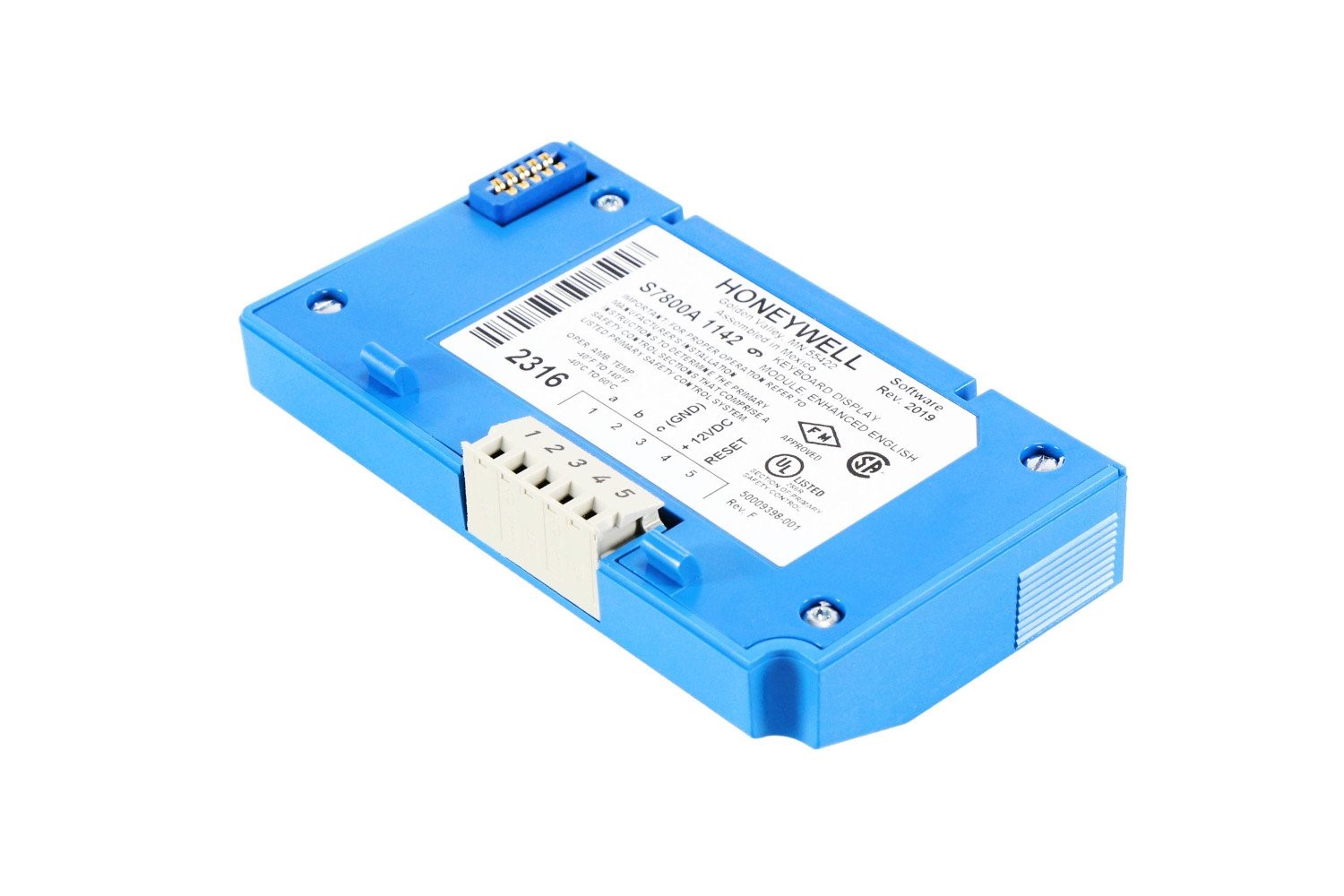
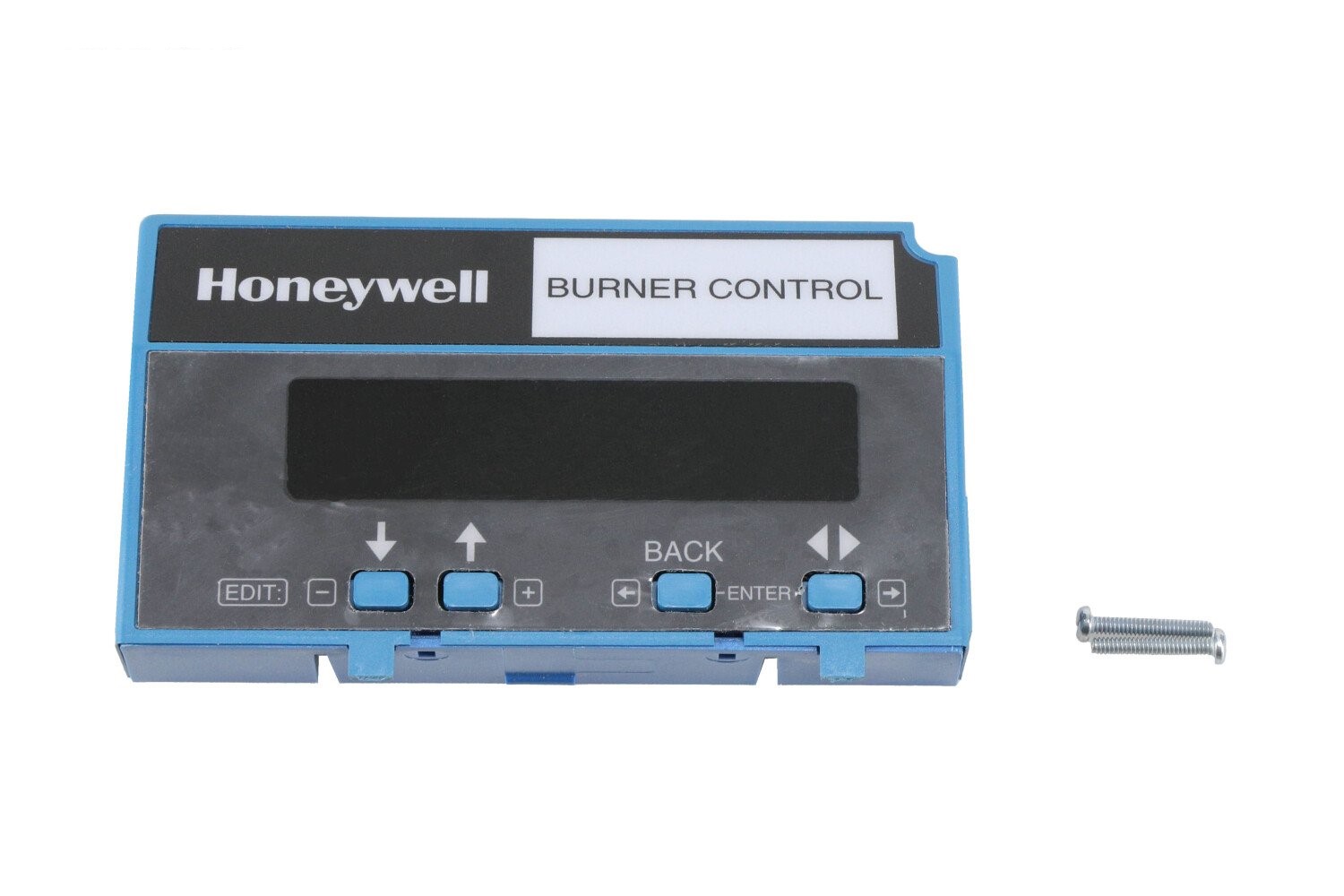
S7800A1142 Honeywell Display Datasheet Overview of S7800A1142 Honeywell Display The Honeywell S7800A1142 is a plug-in Keyboard Display Module (KDM) designed for use with Honeywell 7800 Series burner control systems. It provides a two-row by twenty-column alphanumeric display and a keypad interface to show burner sequence status, diagnostic messages, first-out faults, timing information, and other important system data. This module also supports remote or local annunciation, system reset, diagnostic reporting, and programming of advanced features such as valve proving and annunciator customization. Specifications & Features Feature Description Display 2 rows × 20 alphanumeric characters Functionality Shows burner status, faults, diagnostics, and timing Programming Enables setup of valve proving and advanced features Reset Provides local or remote reset of burner control system Diagnostics Displays fault history and real-time system information Compatibility Works with Honeywell 7800 Series relay modules Mounting Direct plug-in or remote mounting with bracket Enclosure Meets rain-tight / NEMA 4 requirements when properly installed Applications Monitoring burner sequence status in commercial and industrial systems Displaying and troubleshooting fault codes in boiler rooms Providing operators with diagnostic and sequence information in real time Retrofitting existing 7800 Series systems lacking a display module Installation & Usage Tips Align the display tabs with the relay module slots, then press firmly to secure. Use the keypad to scroll through status, diagnostics, and fault codes. For remote mounting, use the appropriate bracket and ensure proper electrical connections. Clone settings from one S7800A1142 module to another for faster commissioning. Verify the display shows correct burner sequence status after installation. 7840 Display Screen