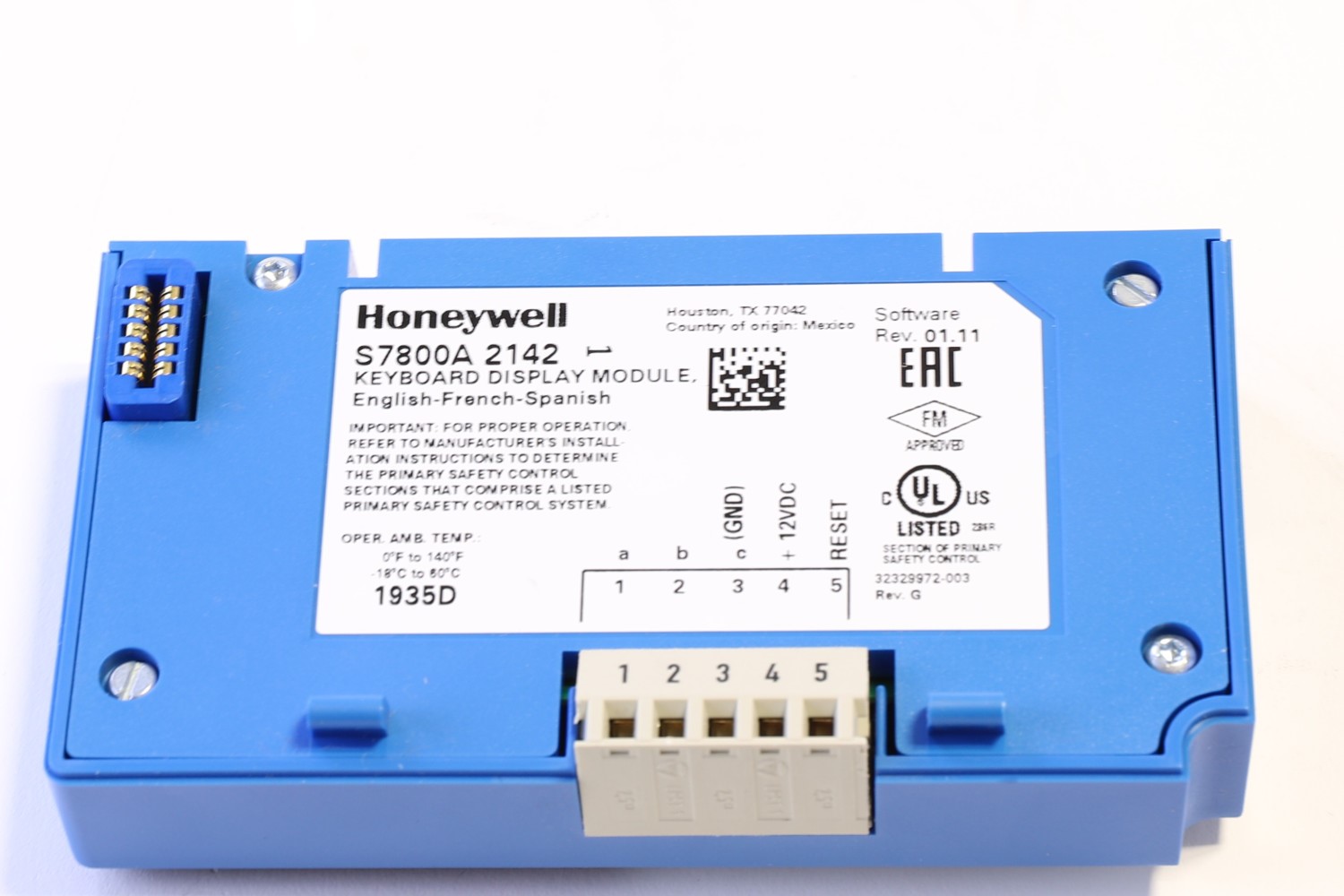
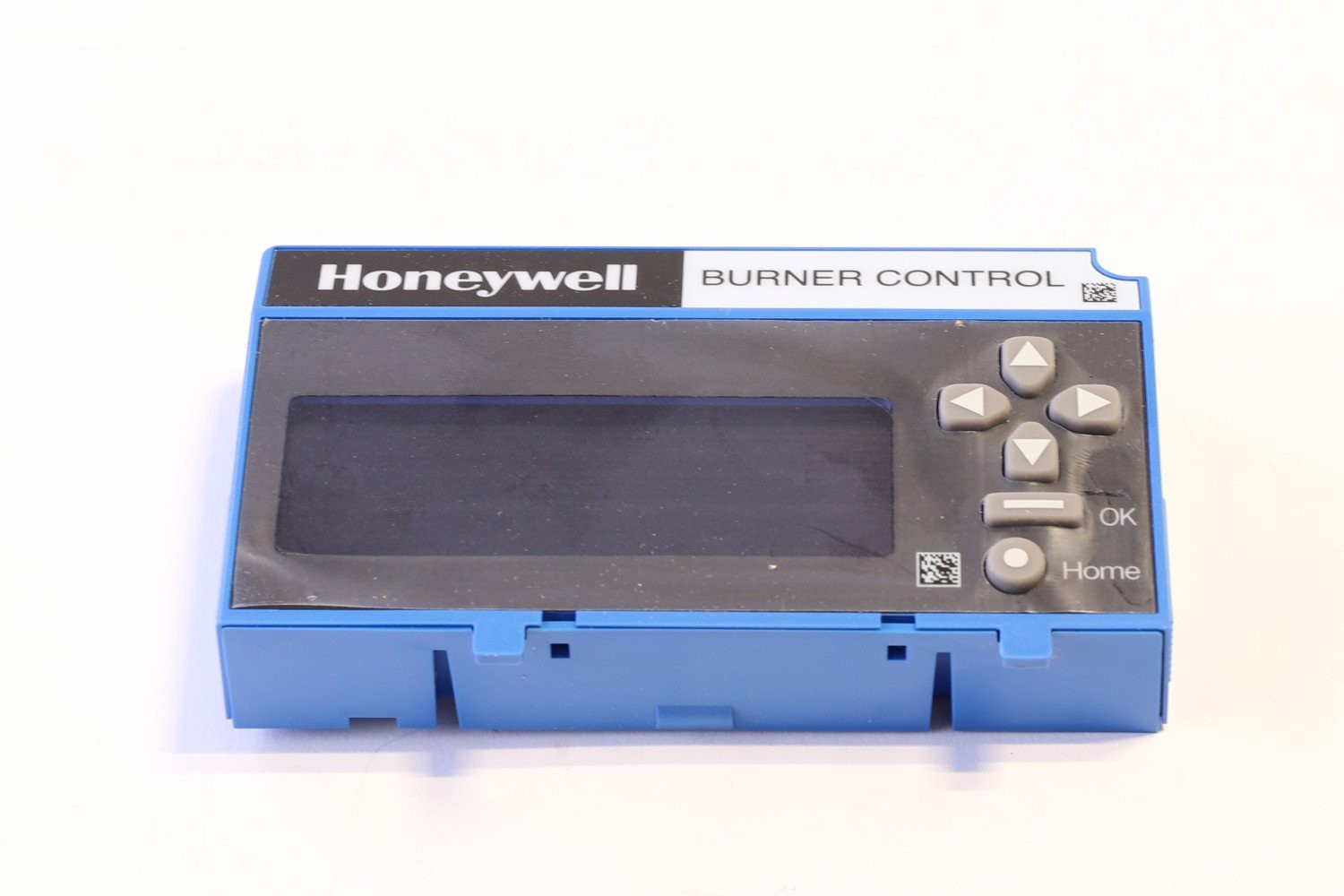
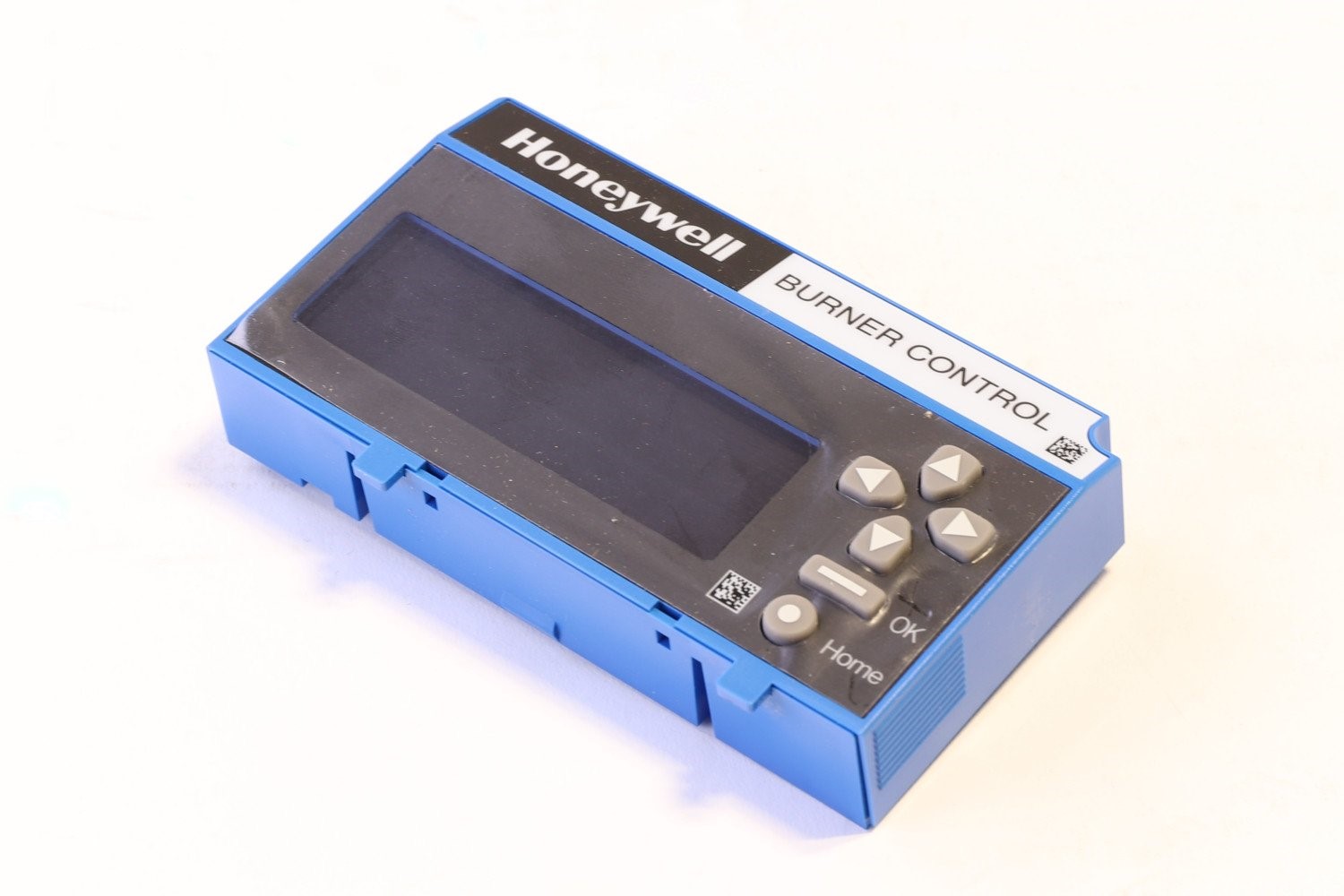
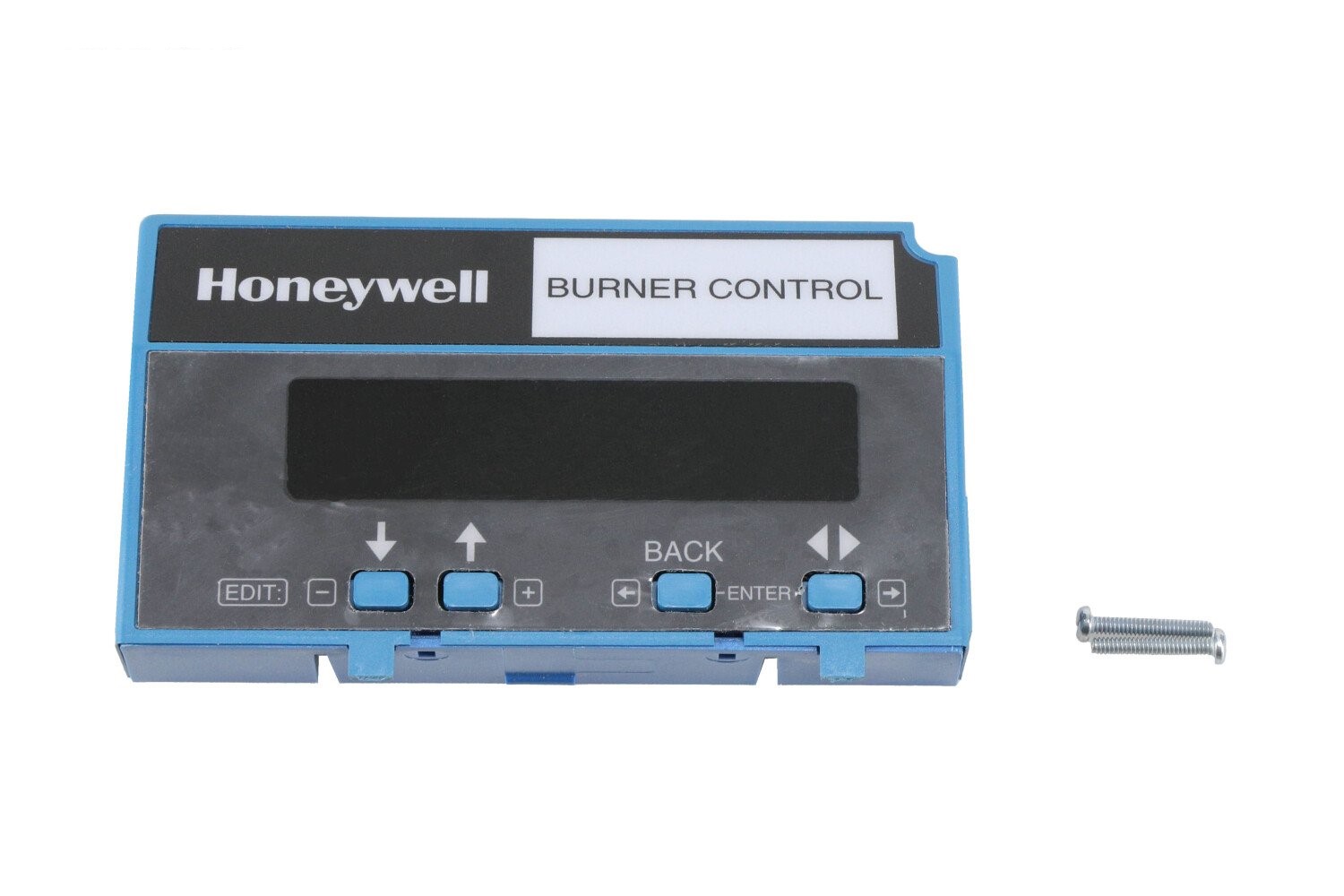
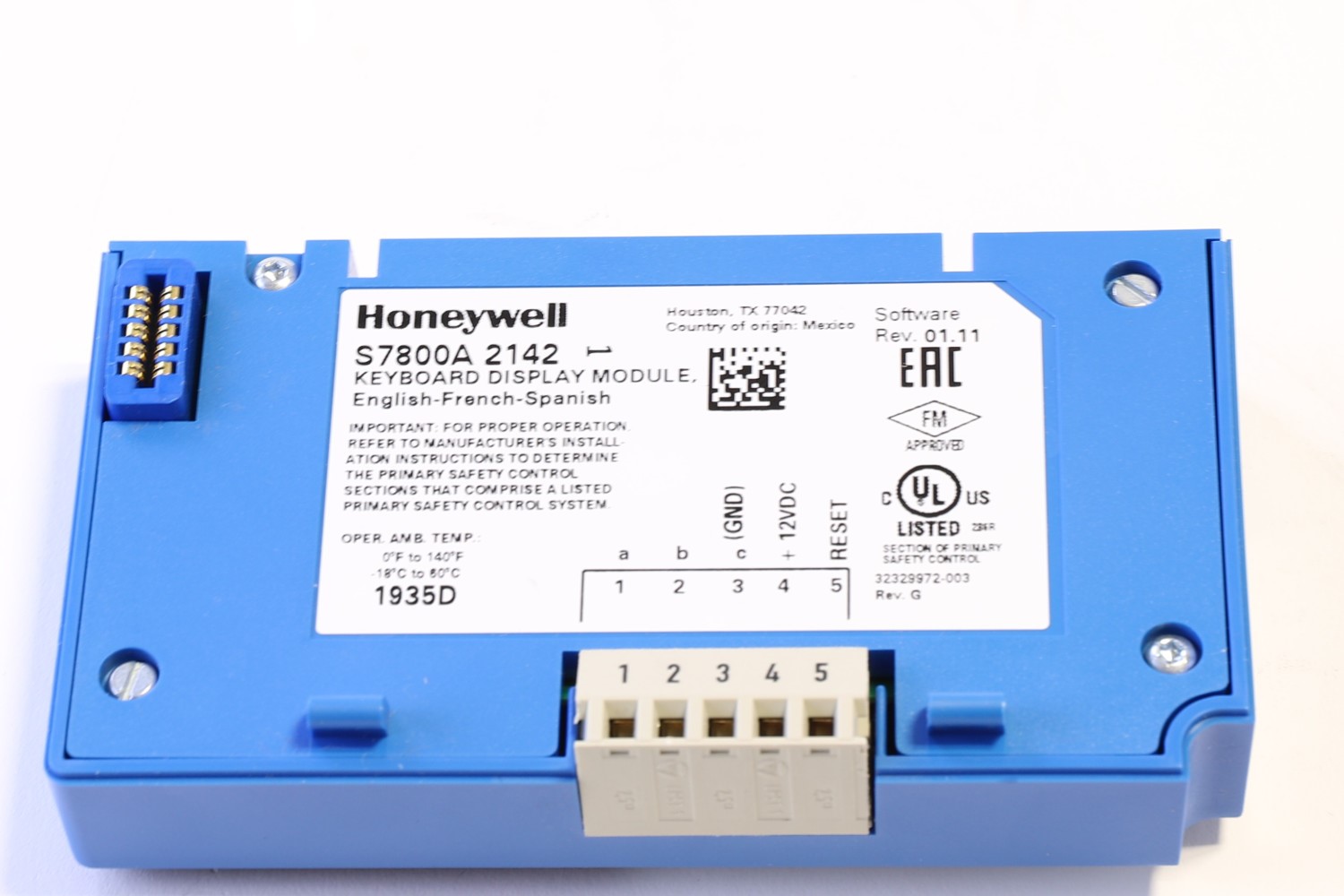
S7800A2142 Honeywell Keyboard Display Module Datasheet S7800A2142 Honeywell Keyboard Display Module Brochure Overview of Honeywell S7800A2142 Keyboard Display Module (KDM) The Honeywell S7800A2142 is an advanced Keyboard Display Module (KDM) used with Honeywell’s 7800 Series burner control systems. This version offers a 4-line alphanumeric display and keypad interface, enabling deeper diagnostics, system programming, fault history review, and burner sequence visualization. It enhances user interaction with control systems by providing detailed status information and operator input functionality. Specifications of S7800A2142 Specification Details Display 4 lines × alphanumeric characters Keypad Full-function keypad for navigating menus and inputs Functions Fault history, diagnostics, burner status, programming Mounting Plug-in to 7800 Series control modules or remote mounting option Housing Rugged enclosure suited for control panels Compatibility Designed for 7800 Series relay modules and burner control systems Reset Supports local or remote reset operations Enclosure Rating When properly mounted with cover, meets control panel protection standards Features & Benefits Expanded 4-line display gives more information per screen view Full keypad enables programming and menu navigation at the module Shows detailed burner status, fault codes, diagnostics, and timing data Useful for onsite diagnostics, reductions in technician trips Easy integration into existing 7800 burner control systems Improves system transparency and operator awareness Applications Commercial and industrial boiler rooms Burner control systems where advanced diagnostics are beneficial Retrofits or upgrades to existing 7800 installations Control panels demanding a more robust display module Installation & Usage Tips Snap into the relay module slot or use the remote mounting bracket as required Use keypad to scroll through fault codes, status pages, and setup options Clone module settings between units for quick configuration Verify that the display corresponds to correct burner sequence after installation Protect the display from direct heat, moisture, and mechanical shock 7840 Display Screen